Troubleshooting / Takes up a lot of host disk space after installation
In some cases, because the minimum system requirements for overlay2 are not met (Linux 4.0+ kernel, or RHEL/CentOS version 3.10.0-514+), Docker will default to using the non-union filesystem vfs as the storage engine.
Because vfs occupies a large amount of disk space, on servers with limited disk capacity, the disk space may be fully occupied after startup, causing DataFlux Func to be unable to run.
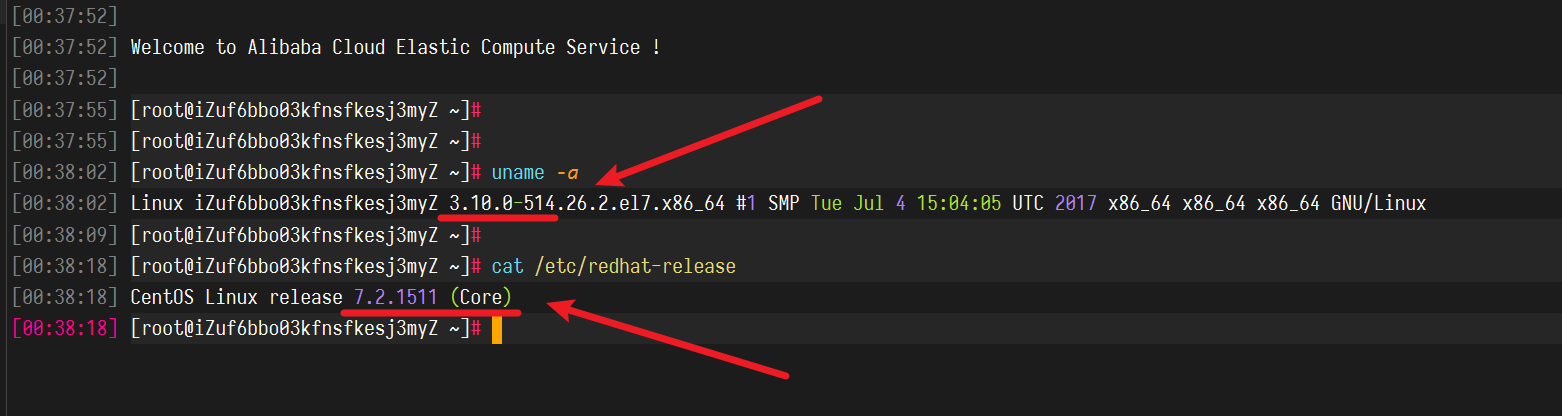
1. Confirm the Linux / CentOS version
You can use the following commands to confirm the Linux kernel / CentOS version:
| Bash | |
|---|---|
1 2 3 4 5 | |
The output is as follows:
2. Confirm Docker's current storage engine
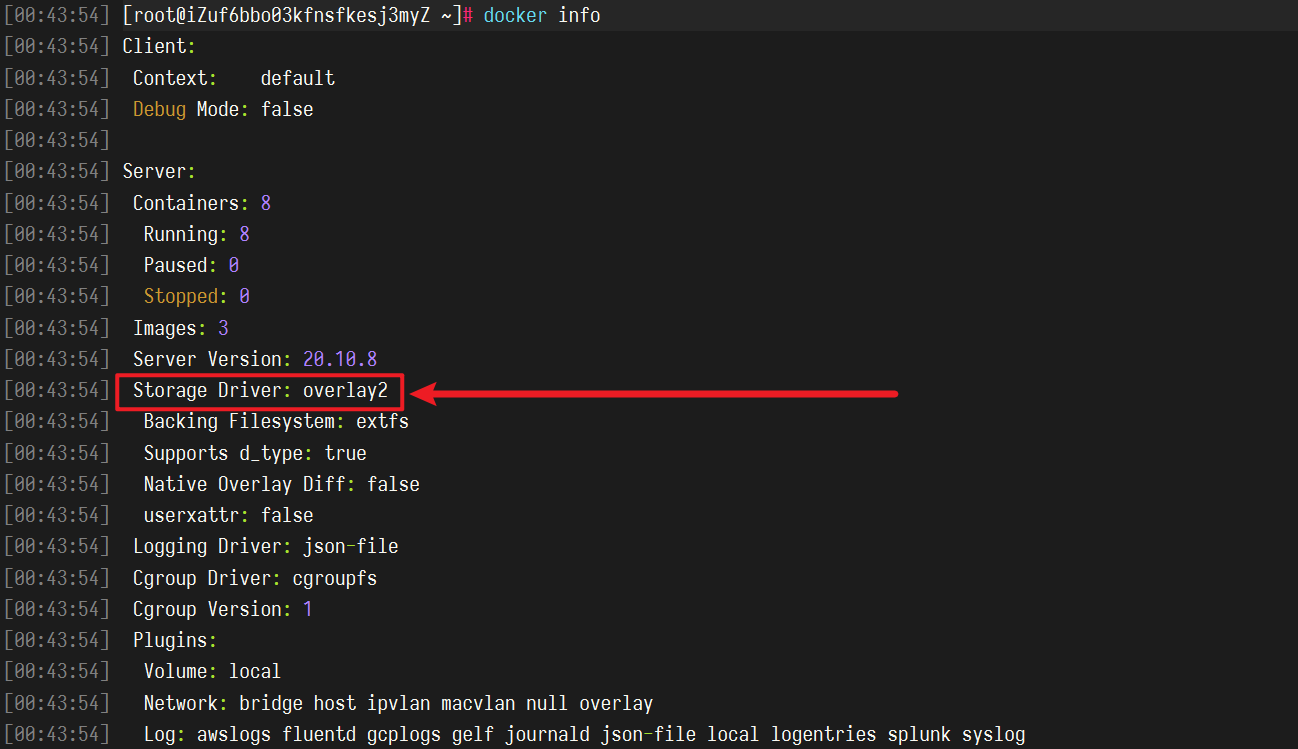
You can confirm the storage engine currently used by Docker with the following command:
| Bash | |
|---|---|
1 | |
The output is as follows:
3. Known Problematic Operating Systems
Currently known operating systems that may encounter this issue are:
- Original CentOS 7.2 (CentOS 7.2 provided by Alibaba Cloud has an upgraded kernel and can be installed normally)